
The “Outstanding” desk-concert trend
Tiny Desk AI Video Generator
Turn five portraits into an Outstanding-style desk concert, with your friends in the band and music added automatically.
Sign in to create · Paid credits
Five photos · Four shots · Music included
Your stage is waiting
Sign in to see your desk concerts, or try the examples above.
Cast your desk concert.
Five photos. One performance.
Add one portrait for each role. We create the four shots, join them, and add the music.
Seedance 2.5Four shotsAutomatic music
The bandOpening + finale
Keyboard performer
Front · opening + finale
Back left singer
Back left · opening + finale
Back right singer
Back right · opening + finale
The close-upsLead + sax solo
Lead singer
Vocal close-up
Saxophonist
Sax solo
0/5 photos readyJPEG, PNG or WebP · Up to 10 MB each
One person per photo. Clear face, even light. Use your own photos or photos everyone pictured has agreed you can use.
What Is the Tiny Desk AI Trend?
Tiny Desk AI refers to AI-generated videos that put a person’s likeness into a small, office-style concert scene. The Outstanding Tiny Desk meme pairs that familiar desk-and-band setting with an unexpected performer, often someone the viewer knows.
The meme takes its cue from Charlie Wilson’s performance of The Gap Band’s “Outstanding.” NPR’s original concert coverage lists the song in his Tiny Desk set. Make your own take on that desk-concert energy with five portraits of yourself and friends.
Looking for a different scene? Try the AI Zombie Trend or Burning Bridges AI.
Watch the Desk-Concert Moment
See how a familiar portrait looks in a desk-concert setting before choosing who gets the spotlight.
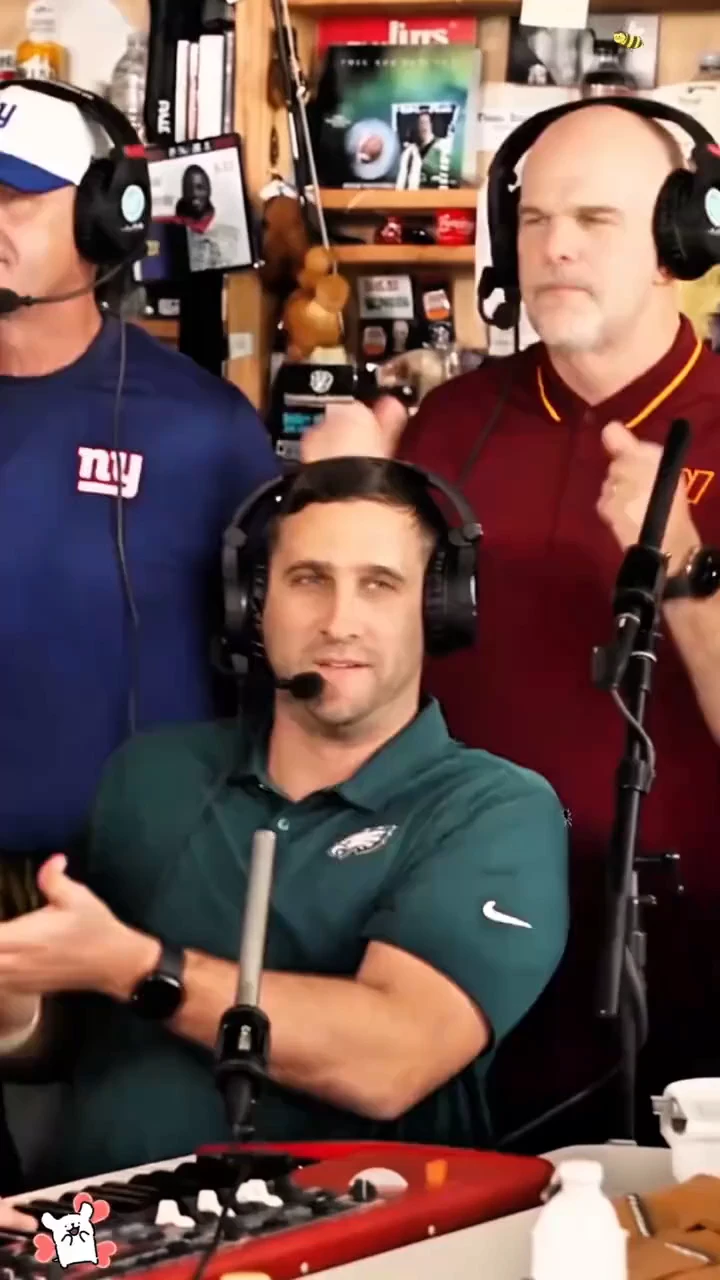
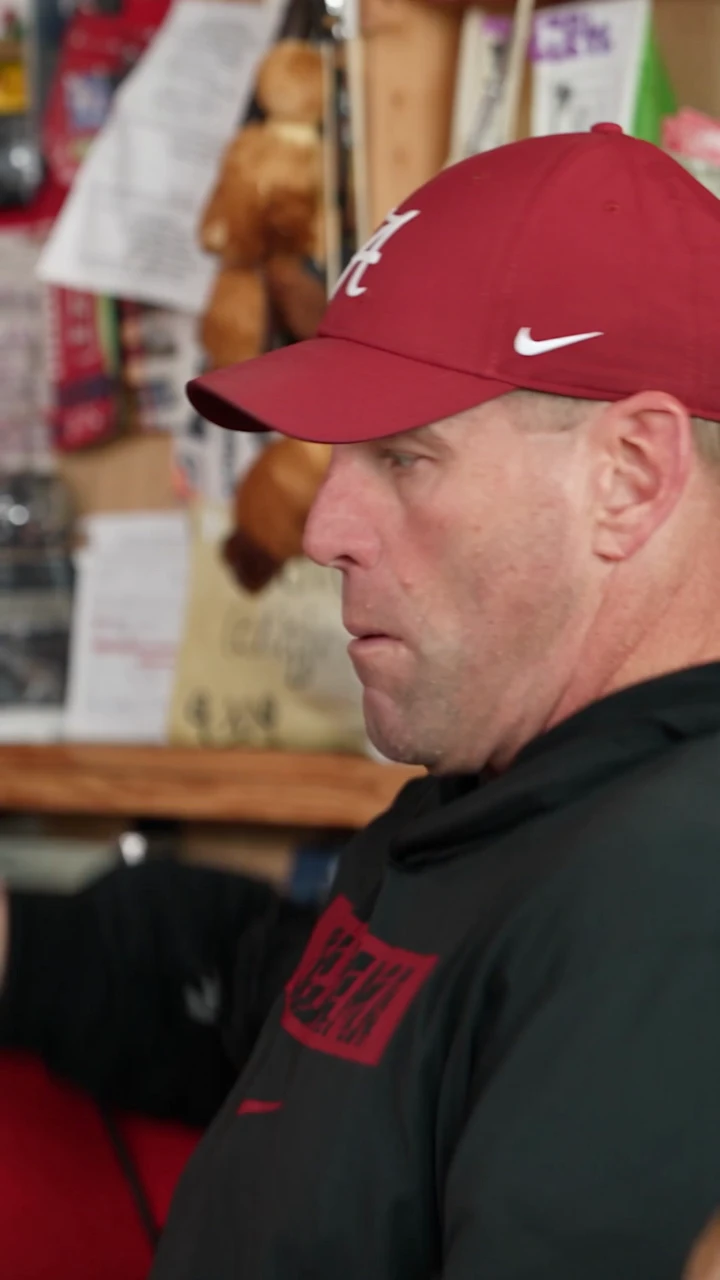
Football trio · 15-second clip
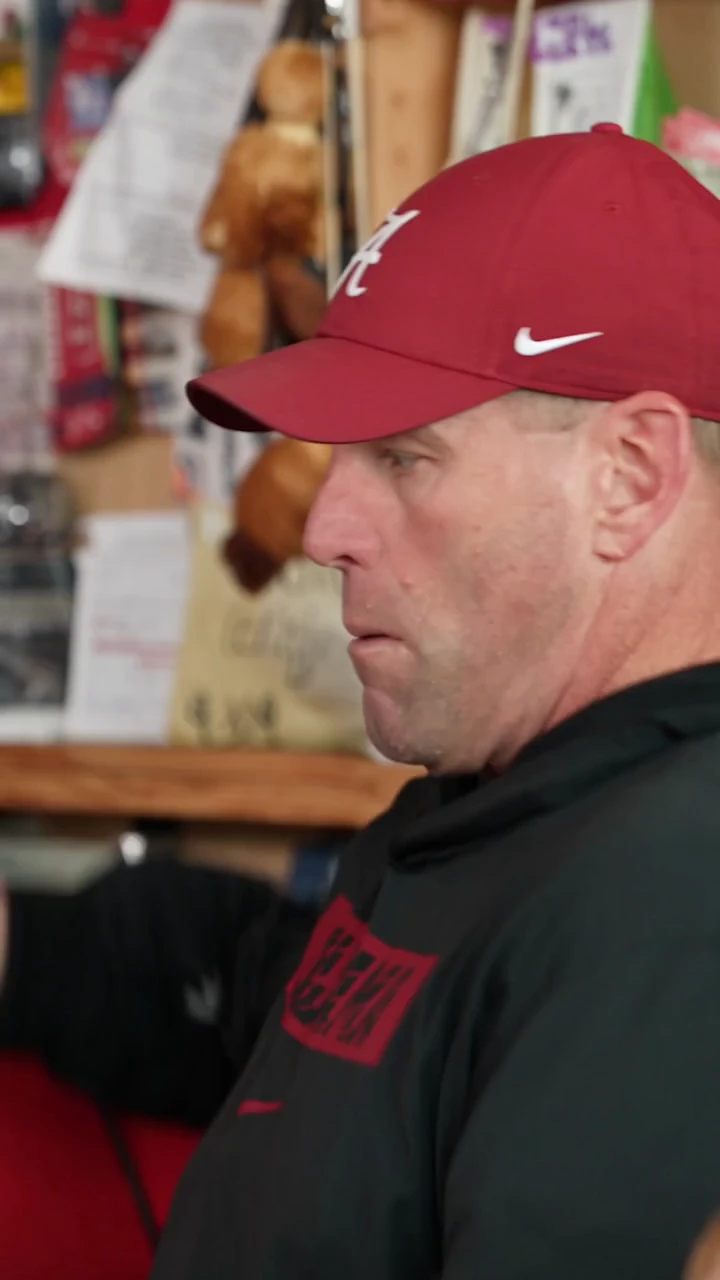
College football ensemble · 10-second excerpt
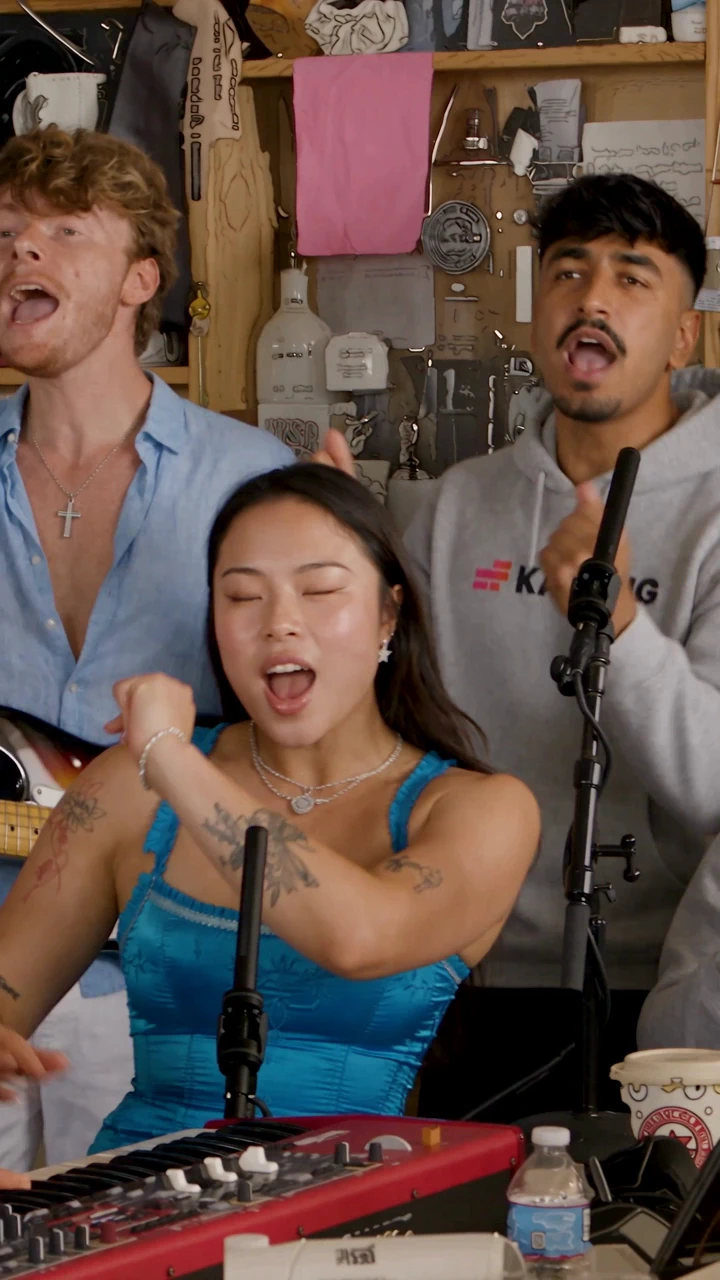
Desk Concert Trio
Who’s Taking the Mic?
Familiar faces make the joke work. Choose five portraits for your band, lead singer, and saxophonist, then give the performance a reason to land.
Your Turn at the Mic
For creators joining the trend
Input: Your portrait + four supporting portraits · Output: A personal concert clip
You have seen the performance in your feed. Now give your followers a version with a face they know: yours. Start with a clear portrait instead of finding a band or filming yourself on stage.
Photo idea: A recent portrait of yourself with your face clearly visible and evenly lit. Add a separate portrait for each of the other four roles.
The Group Chat’s Lead Singer
For friends with an ongoing inside joke
Input: A friend’s portrait + four supporting portraits · Output: A group-chat cameo
Every group has someone who treats karaoke like a headline show. Give that friend the microphone and let the setting do the rest. Choose someone who is happy to be part of the joke.
Photo idea: A clear photo of your friend that they have agreed you can use. Add a separate portrait for each of the other four roles.
A Birthday Headliner
For friends planning a birthday surprise
Input: The birthday person’s portrait + four supporting portraits · Output: A birthday clip
You have the birthday photo, but another photo collage feels predictable. Give the guest of honor a desk-concert entrance, then send the clip with a message from the group. The greeting comes from you; the video supplies the performance.
Photo idea: A recognizable portrait of the birthday person, without other faces crowding the frame. Add a separate portrait for each of the other four roles.
A Performance After a Rough Weekend
For fantasy leagues and friends who follow sports
Input: A willing league member’s portrait + four supporting portraits · Output: A playful weekly recap
The prediction was confident. The result was not. Turn the group’s agreed-upon joke into an “Outstanding” moment by putting a willing league member at the mic after a memorable loss.
Photo idea: A clear portrait of the league member who has agreed to star in this week’s recap. Add a separate portrait for each of the other four roles.
Give a Teammate the Spotlight
For colleagues marking a team milestone
Input: A teammate’s portrait + four supporting portraits · Output: An internal celebration clip
Your team finished the project, and someone deserves a more memorable thank-you than a reaction emoji. Put a willing colleague at the mic and share the clip in the team chat. Keep the message personal to the milestone you are celebrating.
Photo idea: An approved portrait of the colleague you want to recognize, with their face unobstructed. Add a separate portrait for each of the other four roles.
How It Works
How to Make a Tiny Desk AI Video
Choose five familiar faces. Add your portraits. We handle the four shots and music.
- 1
Add Your Five Photos
Add one clear portrait for each role: a keyboard performer, two backing singers, a lead singer, and a saxophonist. The keyboard player and backing singers appear in both the opening and finale.
- 2
Create Your Desk Concert
Choose 480p or 720p and a portrait or landscape frame. Sign in and select Create My Desk Concert. Four shots are generated, joined in order, and paired with music automatically.
- 3
Watch, Download, and Share
Watch the complete result and check the face, movement, and audio before downloading. Add your own caption when you share it in a chat or post it on TikTok, Reels, or Shorts.
Start With a Familiar Face
Choose the photo and the occasion before you start. These small decisions make the finished joke easier to recognize.
Choose the Person Everyone Knows
Use one clear, recognizable portrait for each role. Choose yourself or friends who want to take part, and keep each face unobstructed.
Keep the Occasion in Your Caption
A birthday, a lost bet, or a team milestone gives the performance context. Add that message when you share the video; you do not need to fit the whole story into the picture.
Look Beyond the First Frame
A face can look convincing in a still image and change as it moves. Watch the close-ups and transitions before choosing the clip you want to share.
Let the Concert Come Together
Upload your five portraits and let the preset handle the scene, camera moves, and music. There is no prompt to write or audio file to upload.
Tiny Desk AI FAQ
No. Zombie Trend’s Tiny Desk AI generator requires sign-in and paid credits to generate a video. See pricing for credit purchase options.
Your photo guides the appearance, but AI generation can change facial details, clothing, or movement. A sharp, evenly lit portrait helps. Review the whole clip, especially close-ups, rather than judging the result from its cover image.
Add five photos, one for each role. Choose clear portraits with the face toward the camera and the eyes visible. JPEG, PNG, and WebP files up to 10 MB each are supported. Avoid heavy filters, sunglasses, blur, and deep shadows.
Yes. Use five portraits that everyone pictured has agreed you can use. Choose a keyboard performer, two backing singers, a lead singer, and a saxophonist. A birthday surprise or group-chat joke gives the concert a reason to exist.
No. The scene, motion prompts, and music are built in. Upload five portraits, and the tool creates four shots and combines them with music. Faces and mouth movements can vary; exact lip sync is not guaranteed.
Download the finished clip and upload it to your chosen platform. Check the framing and sound, add your caption, and make it clear that the performance is AI-generated. Use music you are allowed to include in that post.
The meme is associated with “Outstanding” by The Gap Band, performed by Charlie Wilson at his Tiny Desk concert. This tool adds its built-in music automatically. You do not need to upload audio, and exact singing or lip synchronization is not guaranteed.
No. Zombie Trend’s Tiny Desk AI generator is an independent tool for making playful desk-concert clips. It is not affiliated with NPR, Tiny Desk Concerts, Charlie Wilson, or The Gap Band. An AI-generated clip does not show the person in your photo performing at an actual NPR concert.
Your Photo. Your Turn at the Mic.
Choose five familiar faces and give your friends a performance they were not expecting.
Sign in to create · Paid credits